






Description
xCapture the work as it happens
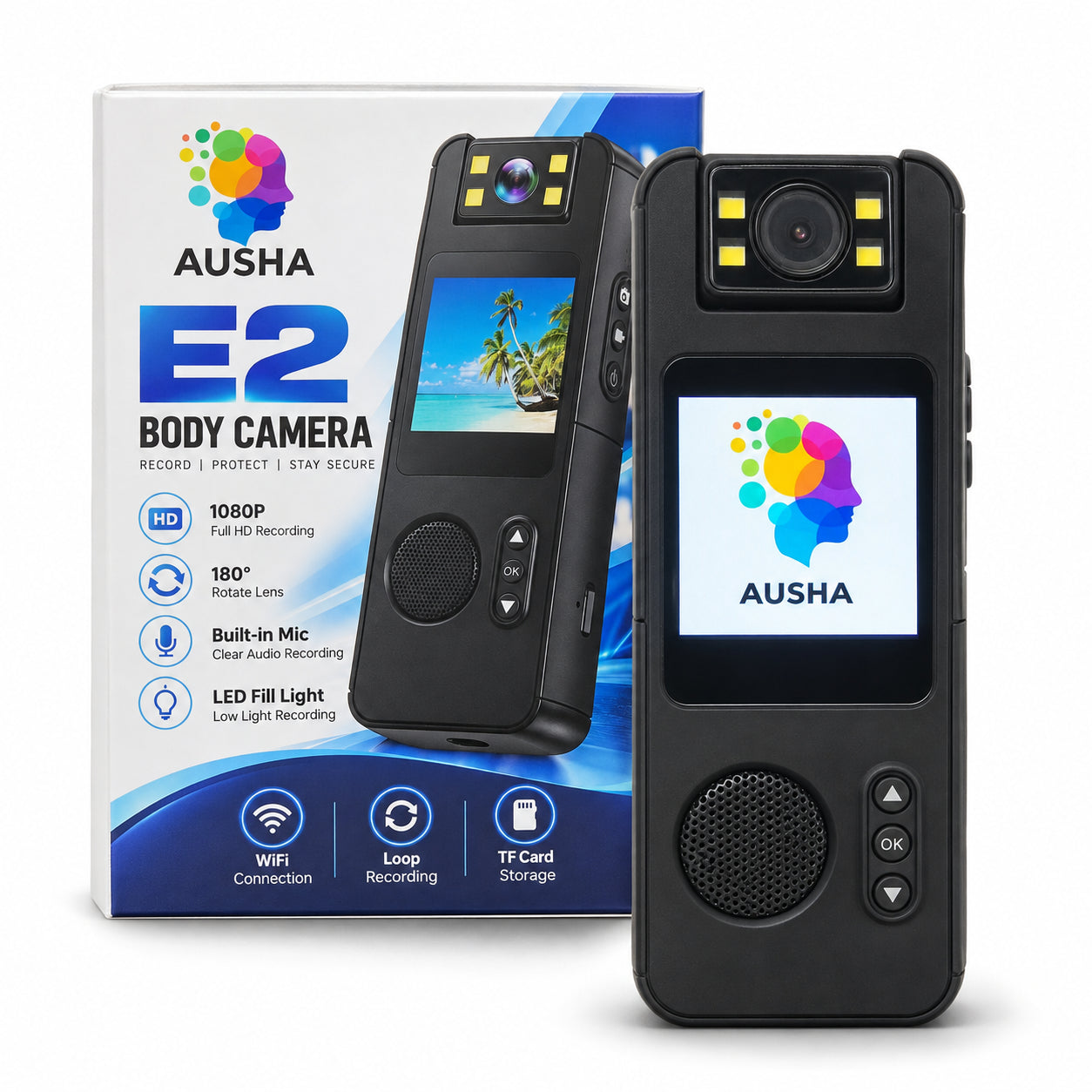
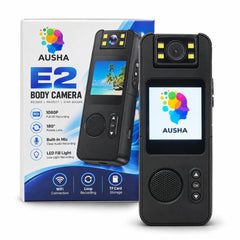
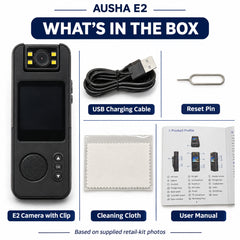
AUSHA 1080p Full HD Body Worn Camera

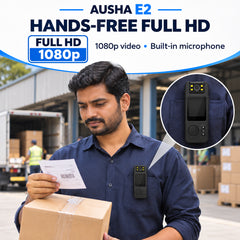
Record from your point of view
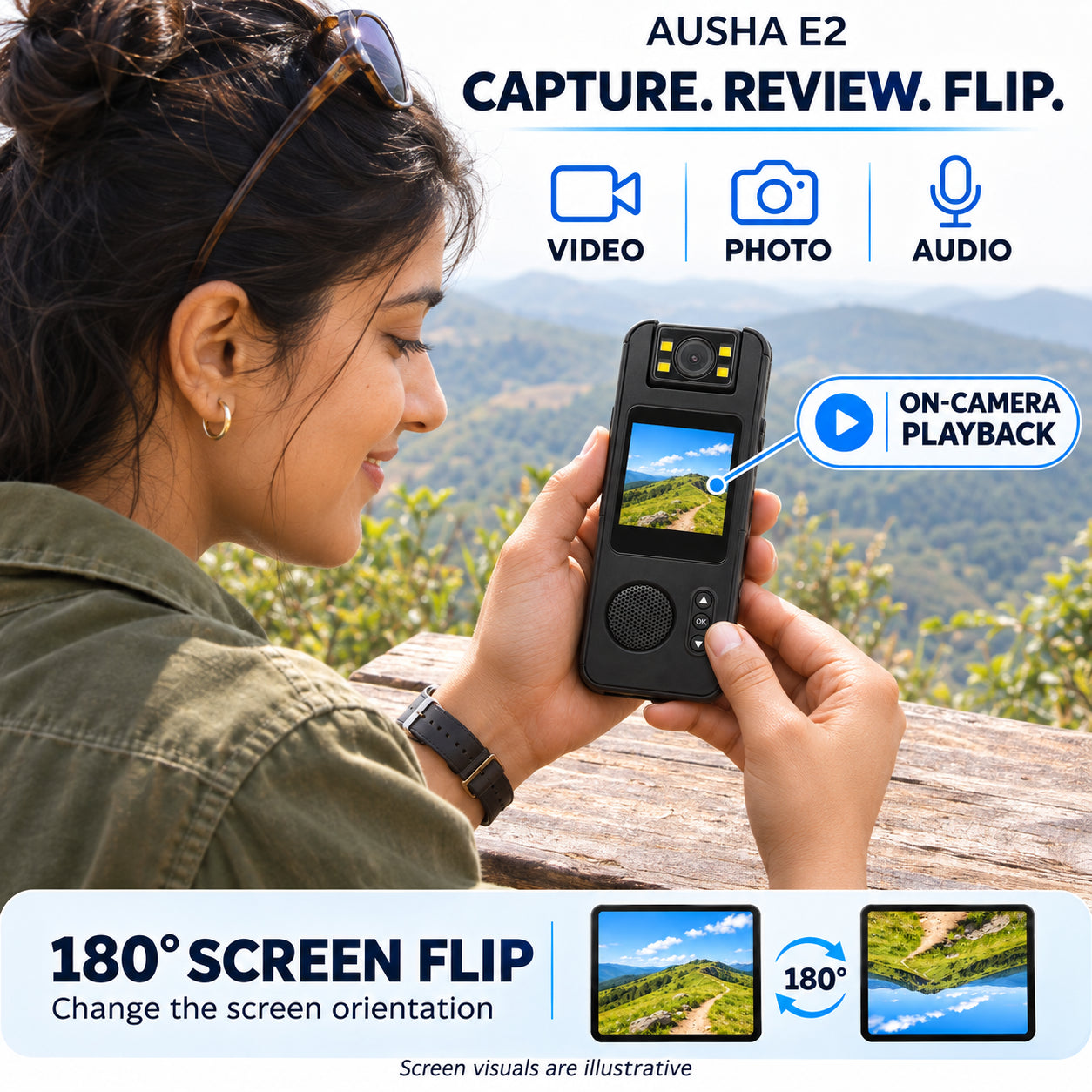
Document a site walkthrough, a job in progress or an outdoor route in Full HD. The wearable design keeps your hands free while the camera faces the scene ahead.

Take it from one task to the next
Use the body worn format when holding a phone would get in the way. Frame the work surface for a demonstration, or point the camera ahead to show a route as you move through it.
Features in action

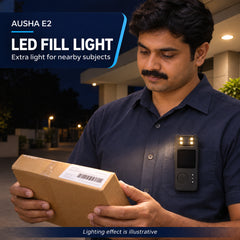
LED fill light
Use the fill light to add illumination to a nearby subject when the scene is dim.

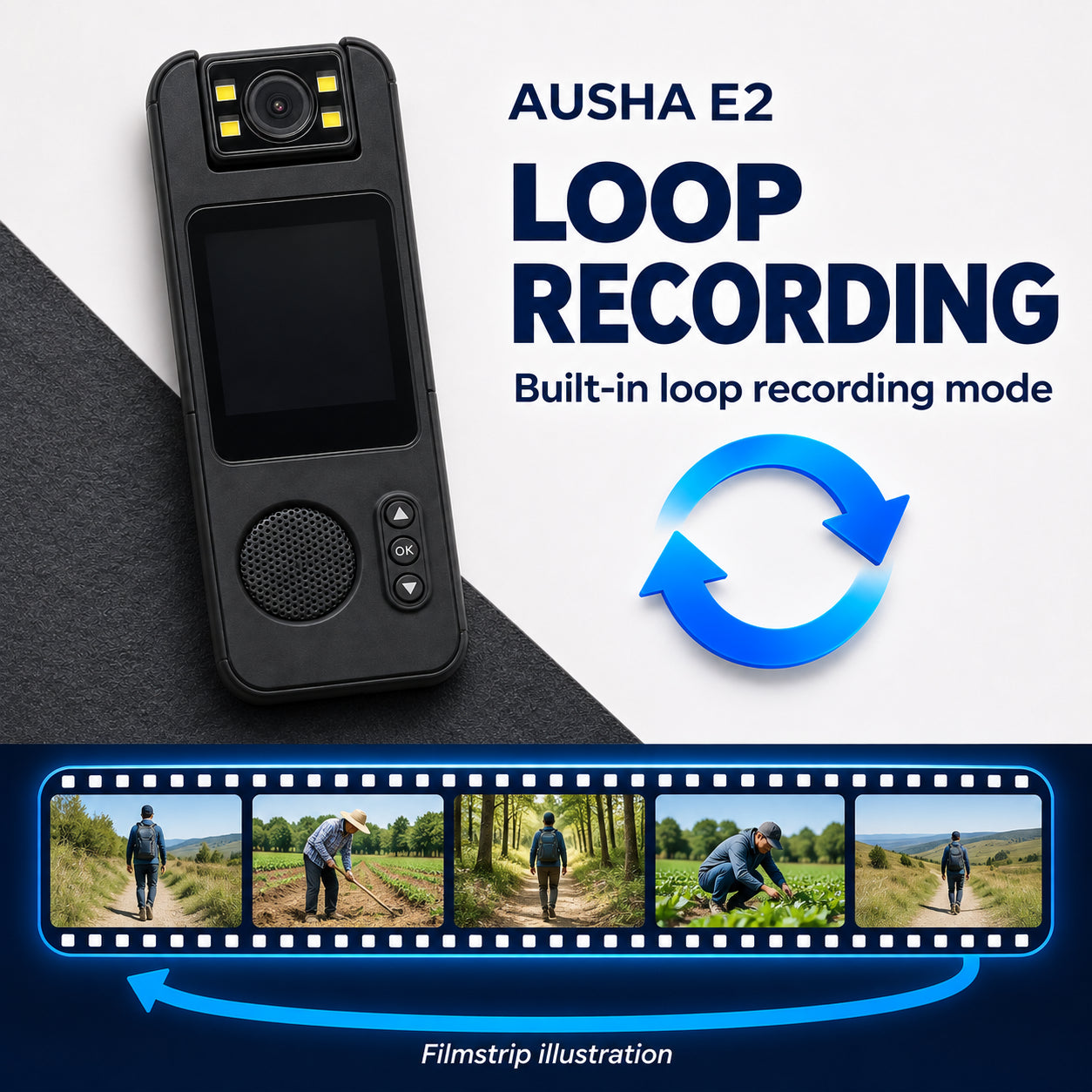
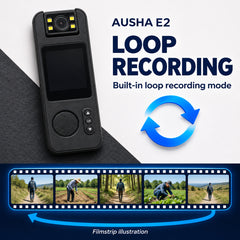
Loop recording mode
Select loop recording when you want recordings organised as successive clips.
Three ways to put it to work
Set the framing for the task before you start recording.
Site walkthroughs
Record the route in sequence and pause at details you’ll want to review later.
Work demonstrations
Keep your hands and the work surface in frame so viewers can follow each step.
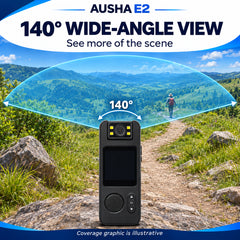
Outdoor walks
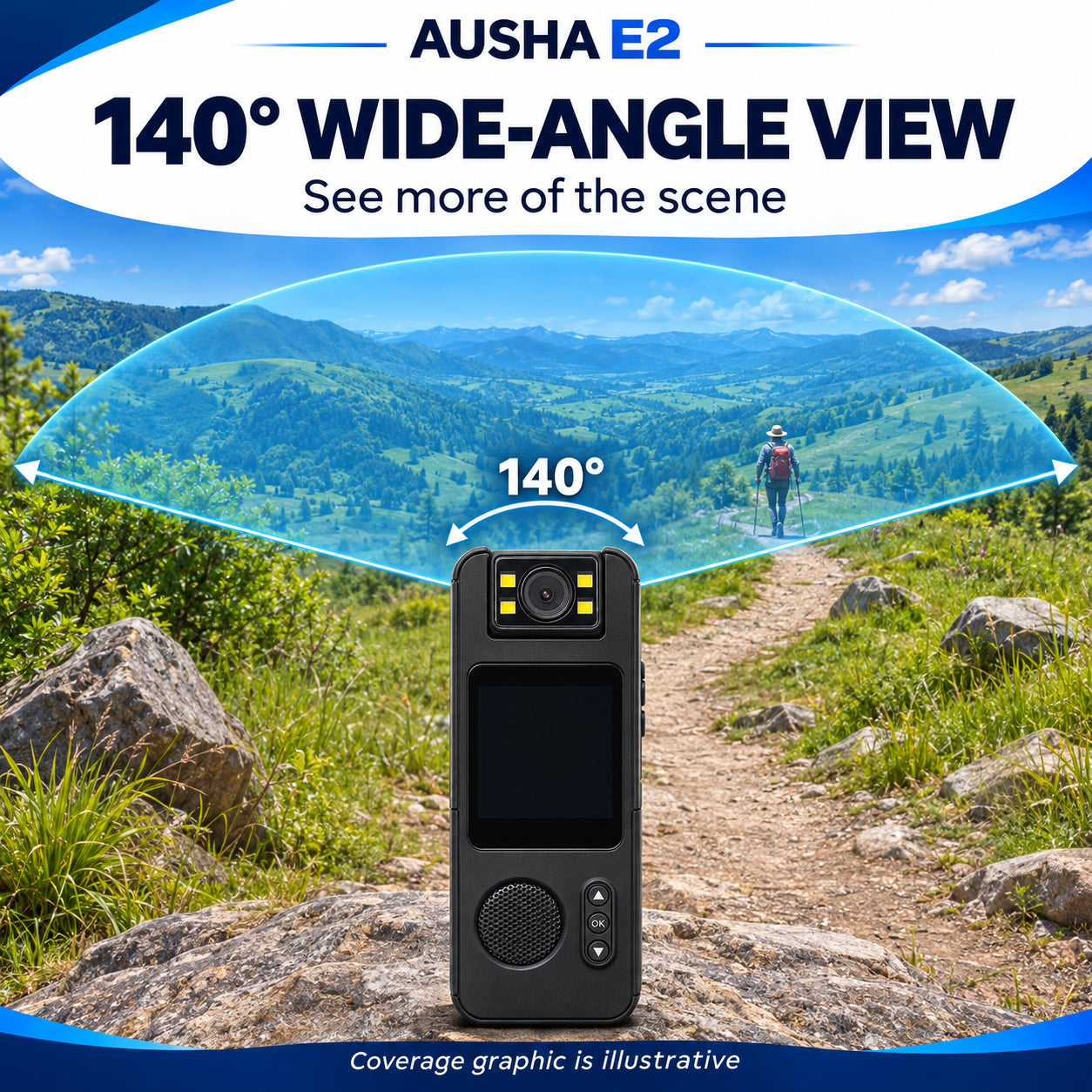
Point the camera along your route to capture the surroundings from your perspective.
Specifications
| Brand | AUSHA |
|---|---|
| Camera type | Body worn camera |
| Video resolution | 1080p Full HD |
Questions & answers
How do I check what the camera will see?
Start with a short test clip. Look for clothing or gear in the frame, then adjust the camera before recording the full task.
When should I use the fill light?
Try it when the subject is close and the available light is low. Check the test clip to see whether it improves the scene.
What should I do before recording a work demonstration?
Run through the first step on camera to check that your hands and the work area stay visible as you move.
- Choosing a selection results in a full page refresh.